
Findwhat'strendinginyourspace.Postavideoaboutitbeforelunch.
LaunchEngine searches what people are talking about right now, picks the topic that points at what you do, and turns it into a captioned short video. You pick the length. It does the script, scenes and captions.
How it works
Three screens. That's the whole job.
01
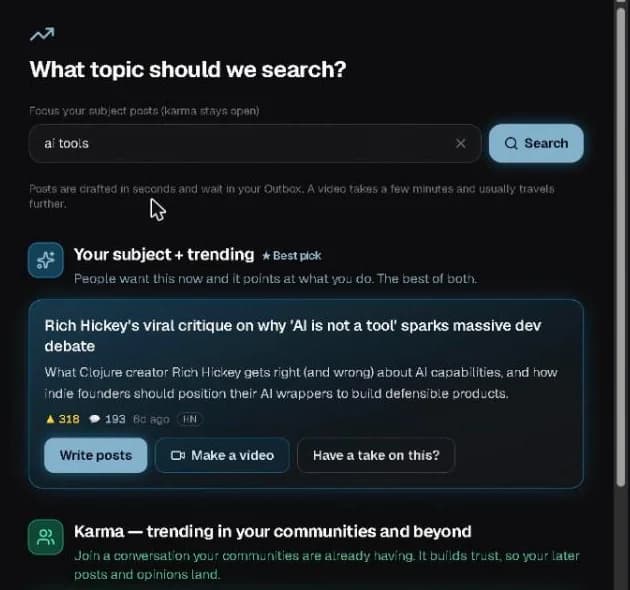
Search your topic. See what's moving.
Type what you do. The trend finder pulls live threads from Hacker News, GitHub and your communities, and sorts them into lanes: your subject + trending (people want it now and it points at you), karma (join a conversation your communities are already having) and about your product when a thread is directly on it.
02
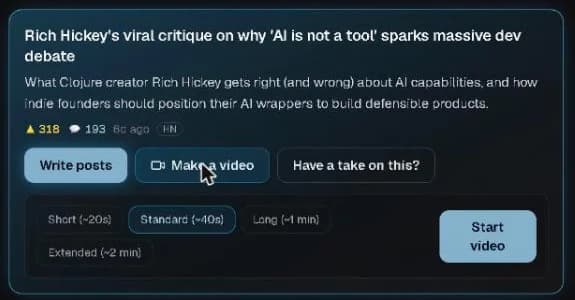
Pick a length. Press Start video.
Short (~20s), Standard (~40s), Long (~1 min) or Extended (~2 min). Would rather write? Write posts drafts them in seconds, and Have a take on this? builds the post around your own opinion.
03
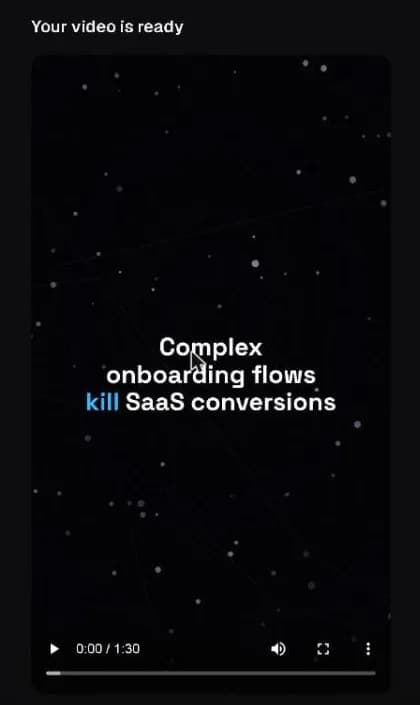
The studio hands you a finished video.
A few minutes later it's ready: script, voice, scenes and word-by-word captions. 9:16 for Shorts, Reels and TikTok, plus 16:9 for YouTube or square for LinkedIn, depending on where you post. If a render fails, you aren't charged.
Real output
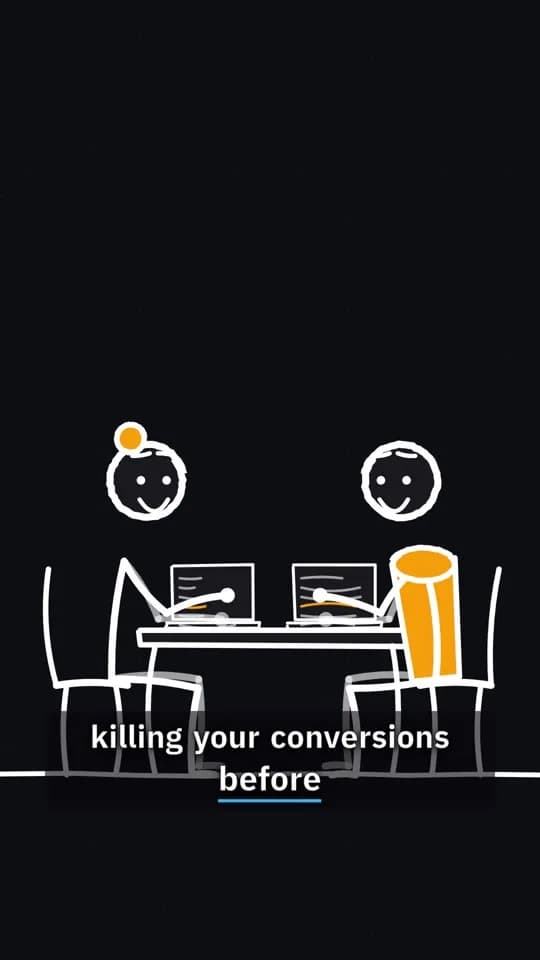
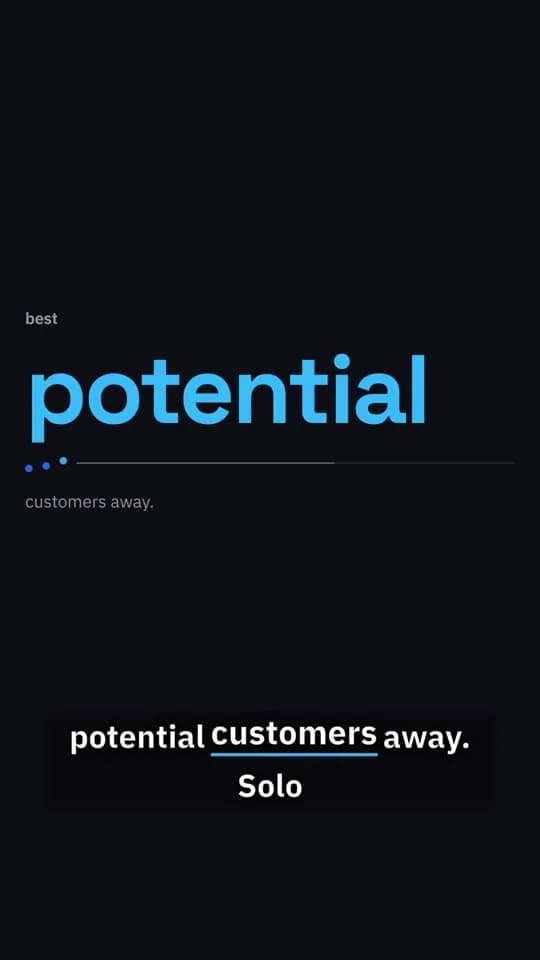
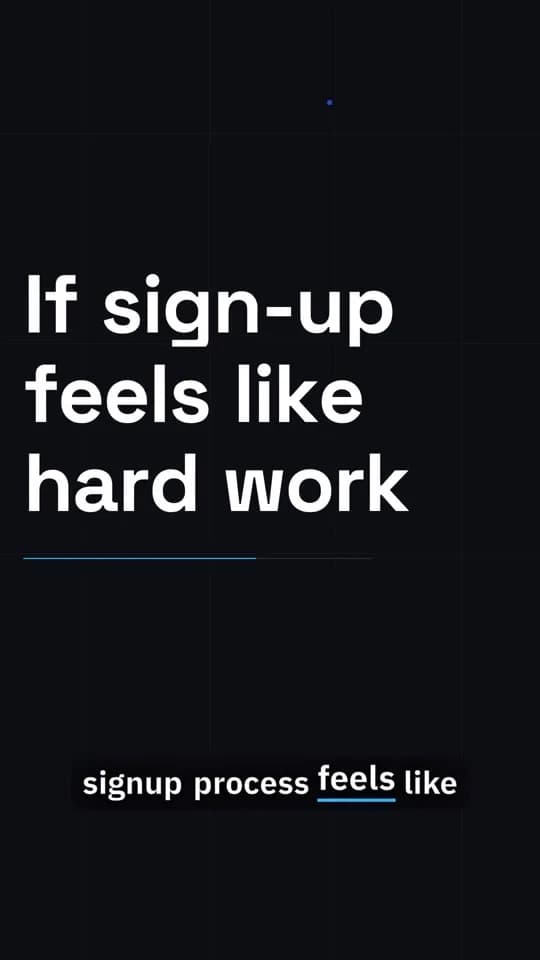
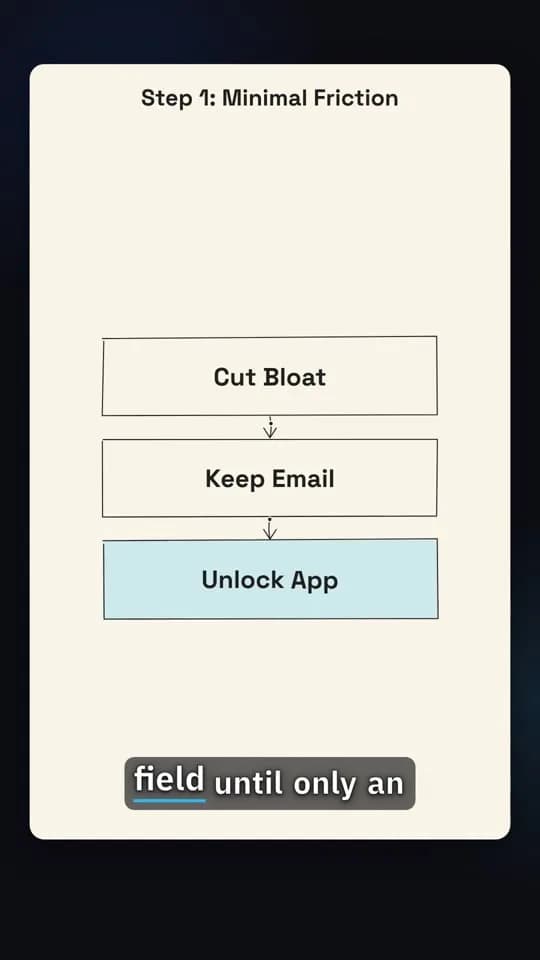
One video, four kinds of scene.
Frames from "If sign-up feels like hard work", a video LaunchEngine made about its own topic. The studio picks the scene type for each line of the script.
Or start from something you saw
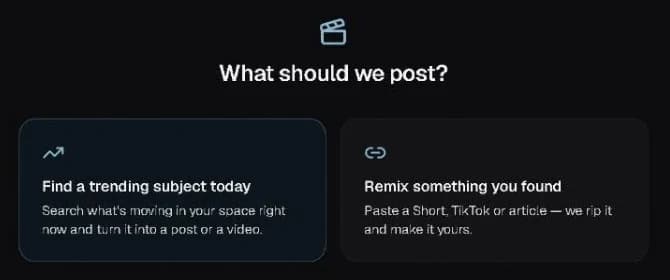
Remix a Short, TikTok or article.
Paste the link. LaunchEngine pulls out the idea and remakes it as yours, about your product, in your voice.
Your next video is already trending somewhere.
Start free. Search your topic and see today's picks before you spend anything.