Paste your URL. It maps 74 directories, drafts every post in your voice, and posts to your feed only when you tap.
169k views · 322 upvotes on r/webdevDrafted by LaunchEngine, posted by hand. See the post →The second you paste a URL.
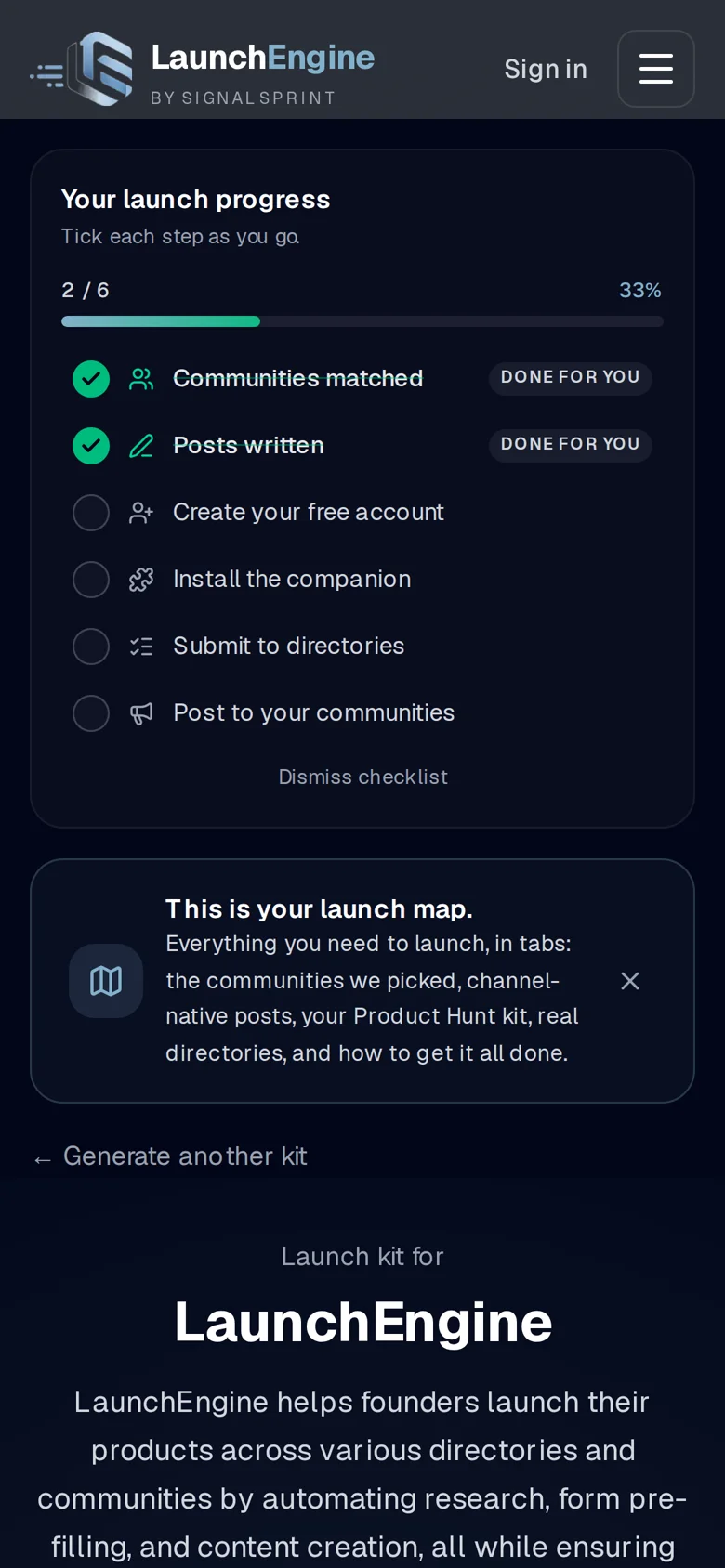
It pulls your branding, then maps every directory, subreddit and community, and drafts four launch posts. All drafts. Nothing is posted.
Four drafts, before you sign up
Readable with no account. Approve everything from your phone.
74 directories and communities, mapped.
No tiers, no locked rows: the same list your free map is built from. Ranked for your product.
My own launch, logged
Nothing here is done for you behind your back. The map tells you exactly which forms need you, and pre-fills them.
Dock the companion.
Two halves. The Chrome extension pre-fills every directory form in your own browser: dropdowns, rich text, the multi-step ones. You solve the captcha and press submit, from your own login. That's the difference from the bots that get accounts banned.
One app, your phone
It writes in your voice, not AI voice.
It's not just a directory tool, it's your launch partner, mapping 74 communities in seconds and drafting posts that resonate with your unique journey.
What gave it away negative parallelism: 'not just X, it's Y' — the single most reliable AI tell
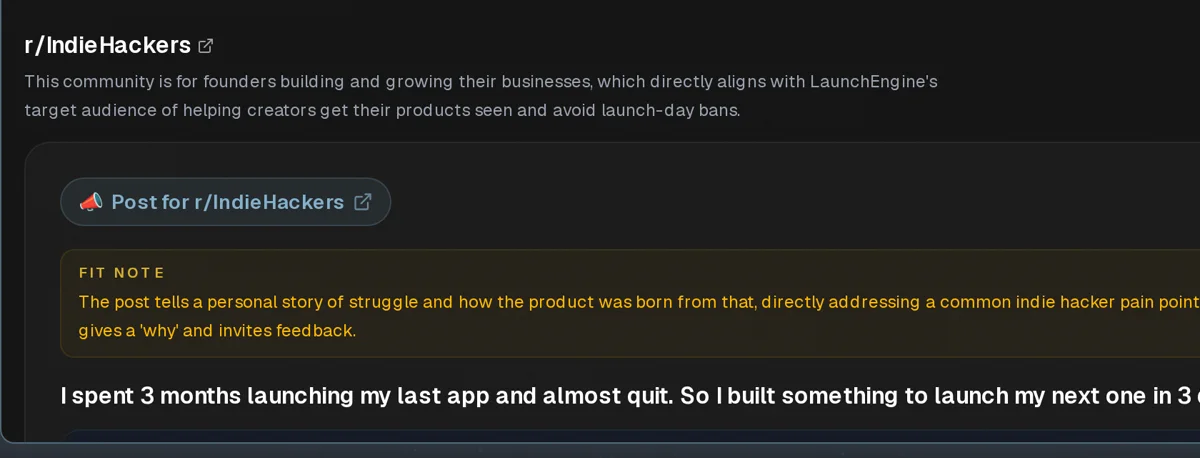
It maps 74 communities in seconds and drafts a post for each one, in that community's voice.
Edit by chatting
The Hive rewrites in place. No forms. Every draft is humanize-checked before you see it.
Content that earns you standing before launch day.
The content machine
Also in the free tier
29 hours returned: 94×12 + 17×20 + 11×25 min. My own logged launch, arithmetic, not a testimonial.
This is the Hive.
What the Hive does
The Hive read all 74 directories and communities. It knows each one's voice, drafts every post, plans your day and rewrites by chat. Posts wait for your tap; on Creator you can switch on automatic comments, a few a day, up to limits you set. Nothing is hidden: every draft is in your Outbox to read and edit.
Creator · £29/mo — everything in Free, plus:
It maps every place your launch should go — subreddits, Facebook and LinkedIn groups, Product Hunt, Show HN, X and dozens of directories and communities — and writes the drafts. Then the companion fills in each form, so you just review and submit.
Without Creator, nothing goes out until you post it yourself. With Creator — or during a Commenter trial — you can switch on automatic comments for each platform: your companion then posts a few a day for you, in your own browser with your own accounts, up to daily limits you set. It starts switched off, and posts to your own feed always wait for your tap.
A Chrome extension on your laptop. It uses the accounts you're already logged into and fills in comments and directory forms. It posts comments — and, if you turn on DM follow-ups, Reddit messages. It never posts to your feed.
Free (£0): the plan, the communities, every draft. Creator (£29/mo): daily comments for Reddit, LinkedIn and Facebook, 15 video credits a month, deeper community search, up to 3 launch products and 2 teammates.
Yes. Add it to your home screen: see what's ready, get a push when a post is ready, and post with a tap. The companion itself needs a laptop with Chrome.
Open Billing — Manage Billing in your account menu on a laptop, or Billing & subscription in the phone app's settings — and choose Manage or cancel Creator. Stripe shows exactly when it ends before you confirm. After that your account goes back to Free, and your map and drafts stay.
See our privacy policy — questions go to [email protected].